Orbitron
A viewer and automation toolkit for molecular, materials, and structural-biology data.
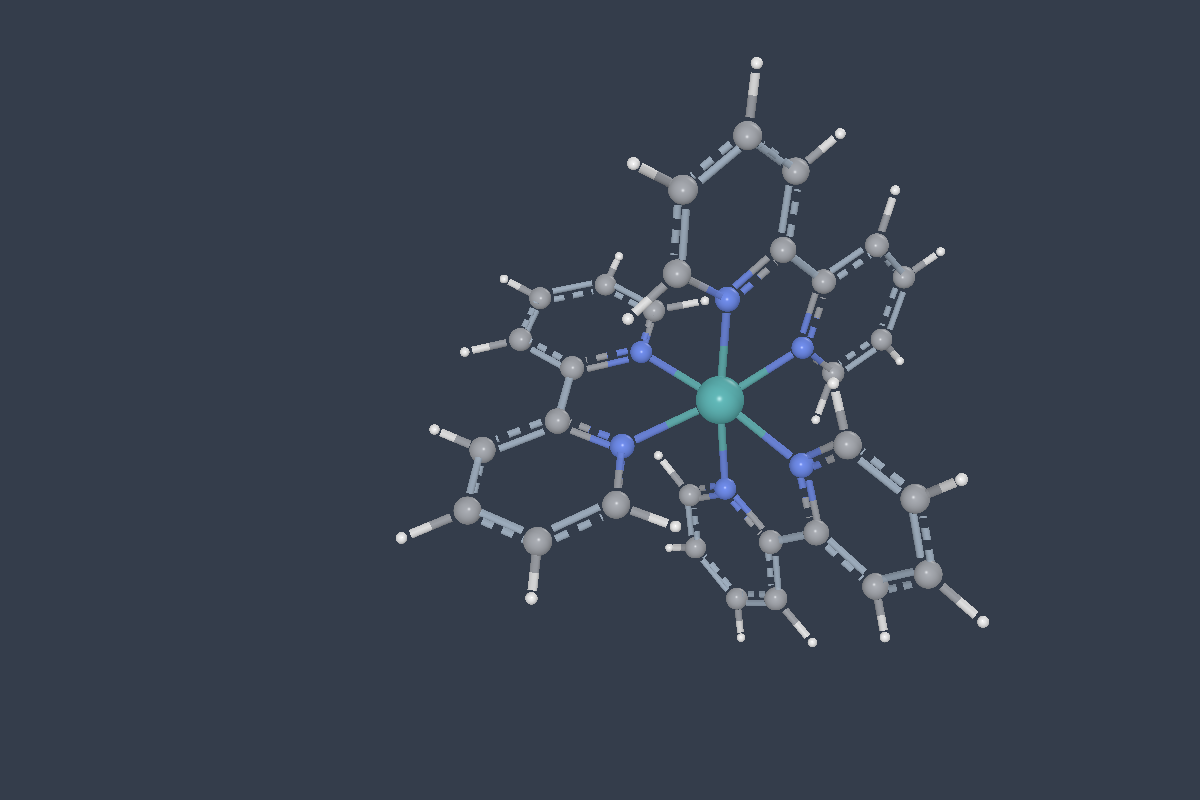 [Ru(bpy)₃]²⁺
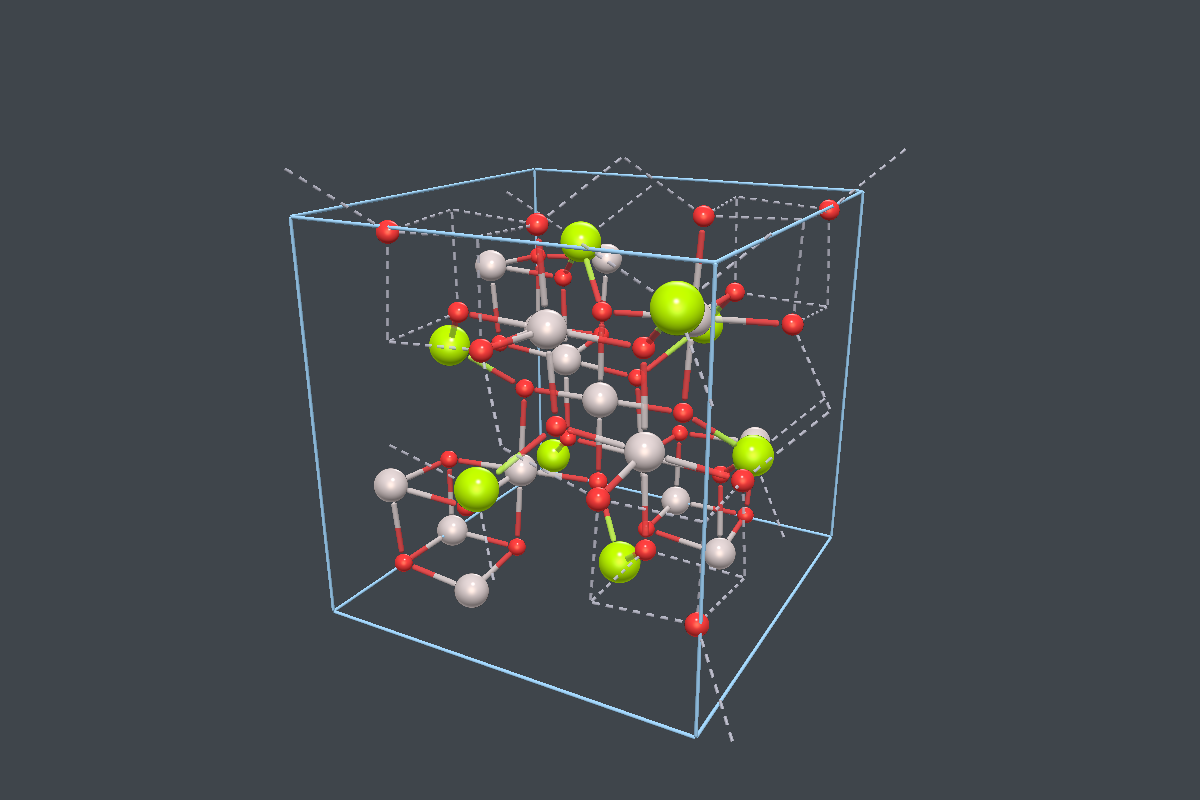 MgAl₂O₄ spinel
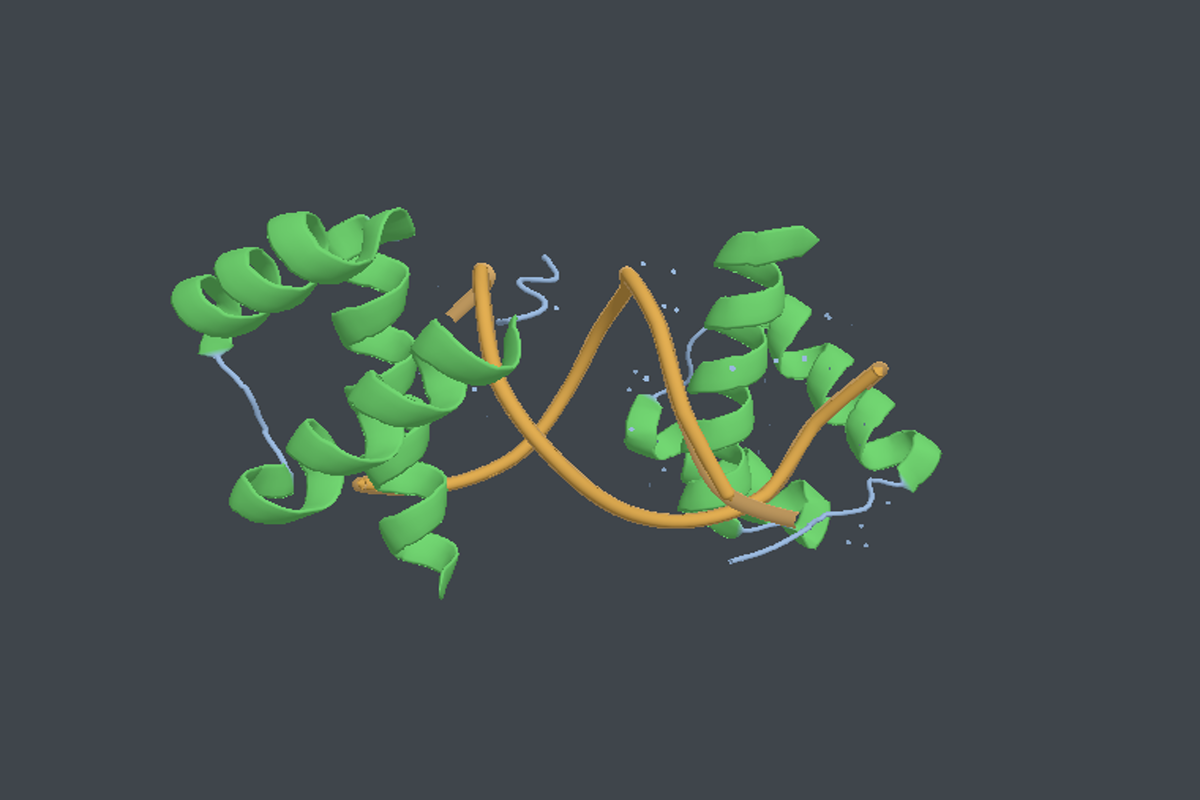 Protein–DNA complex
Orbitron
Inspect molecular structures, crystals, trajectories, orbitals, vibrations, experimental density, and more without switching tools.
Orbitron gives computational chemists and structural biologists one shared engine for the desktop, CLI, terminal, Python notebooks, and browser exports.
python -m http.server 8000 --directory docs
and open http://localhost:8000/ to run the terminal recordings and live viewers.
One Core, Several Workflows
Orbitron is built for work that crosses Gaussian, ORCA, NWChem, Molpro, Molcas, DIRAC, CP2K, QMCPACK, Quantum ESPRESSO, VASP, GROMACS, structural-biology files, and density maps. Load the same calculation or structure in the desktop viewer, script against it from the CLI, inspect it over SSH, or export a self-contained viewer for a notebook, slide deck, or static page.
A calculation is not always one file. A job resubmitted after walltime continues in a second output, and Orbitron reads the set as one study: one task list spanning every file, naming which one each task came from. Nothing merges the structures, because two members of a restart chain hold the same molecule at different points. See Several Files, One Calculation.
Output on a cluster is often far larger than the part worth looking at. Run the CLI where the data already is, and it writes a small .orbpack bundle carrying just what you asked for — one file to copy back, opened like any other. A 22 MB NWChem run becomes 1.7 MB (370 KB without its orbital coefficients) with its trajectory and every vibrational mode intact; a single orbital out of a 90-orbital cube is 90× smaller than the cube.
Desktop Viewer
Open output files, inspect structures and crystals, animate vibrations, measure geometry, follow SCF convergence, compare computed bond orders, inspect proteins and MD trajectories, clip an experimental density map around a selection, inspect a first Brillouin zone, and render orbital surfaces with charge and MO/NBO contribution overlays.
CLI and TUI
Use orbitron for batch analysis, JSON summaries, conversion, rendering, and chemical identifiers. Use orbitron view --tui when you are working over SSH.
Python and Web
Load scenes in Python, display them in Jupyter, export self-contained HTML, or embed the WASM viewer in slides and websites.
HPC Bundles
Export a compact .orbpack on the cluster and copy one small file back. Pick a single orbital, a run directory, or a whole frequency job. The desktop, Python, and the browser viewer all open the same bundle.
The Desktop Viewer
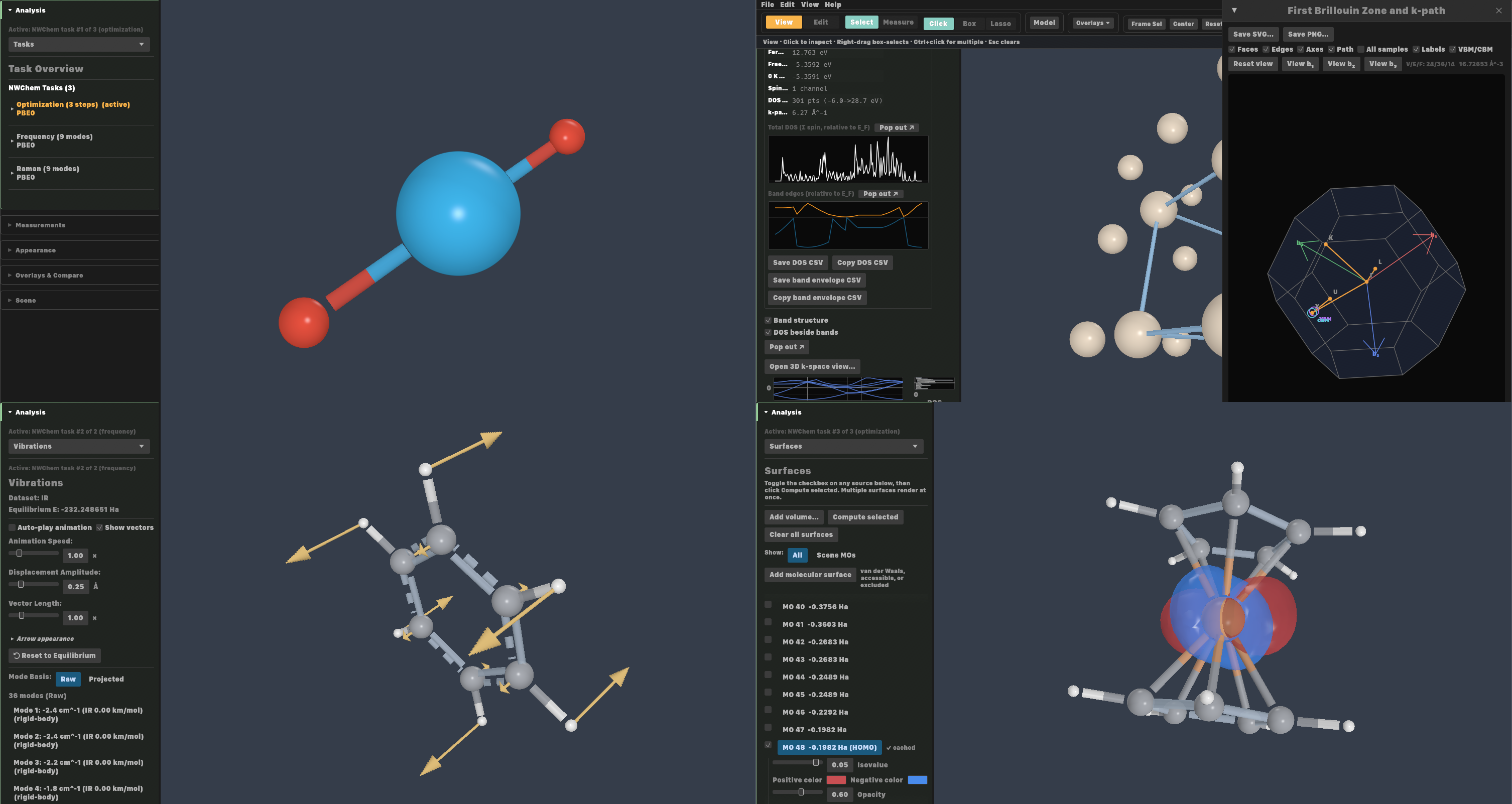
The desktop application is the interactive surface the other frontends share a core with. Four panes of it below, each a different file and a different panel of the same Analysis rail: the tasks a multi-step run contains, a band structure with the first Brillouin zone it was sampled over, a vibrational mode drawn as per-atom displacement vectors, and an isosurface computed from a run’s own orbital coefficients.
The CLI and TUI
Both recordings are real sessions: the commands ran and the output is what they printed. The static blocks below them are stand-ins shown only when this page is opened from disk.
$ orbitron info cu-freq.out
Format: nwchem
Program: NWChem 7.2.2
Atoms: 13    Bonds: 12

$ orbitron canonical export cu-freq.out -o cu-freq.orbpack
Bundle: cu-freq.orbpack (1.7 MB)
  transfer: 22834259 source bytes -> 1742910 bundle bytes (92.4% reduction)
  sections: structure (13 atoms), trajectory (68 frames),
            frequency (39 modes), thermochemistry,
            electronic structure

$ ls -lh cu-freq.out cu-freq.orbpack
1.7M  cu-freq.orbpack
22M   cu-freq.out
Exporting a bundle: 22 MB of NWChem output to a 1.7 MB .orbpack
 Orbitron TUI · molecular scene
 ┌────────────────────────────────────┐
 │             H                      │
 │             │                      │
 │       H ─── C ─── H                │
 │             │                      │
 │             H                      │
 └────────────────────────────────────┘
 hjkl rotate · +/- zoom · m glyph · b bonds · r reset
orbitron view --tui over SSH — pseudo-3D ASCII with depth shading, rotated with hjkl
See It in Action
When this page is served over HTTP, the examples below are live viewers. They use the same viewer engine that ships in the desktop app, Python widget, and HTML export path. Opened from disk, each falls back to a static image: the first two show the same scene, and the density image is a desktop screenshot of the same map with a fitted protein model the live scene does not carry.
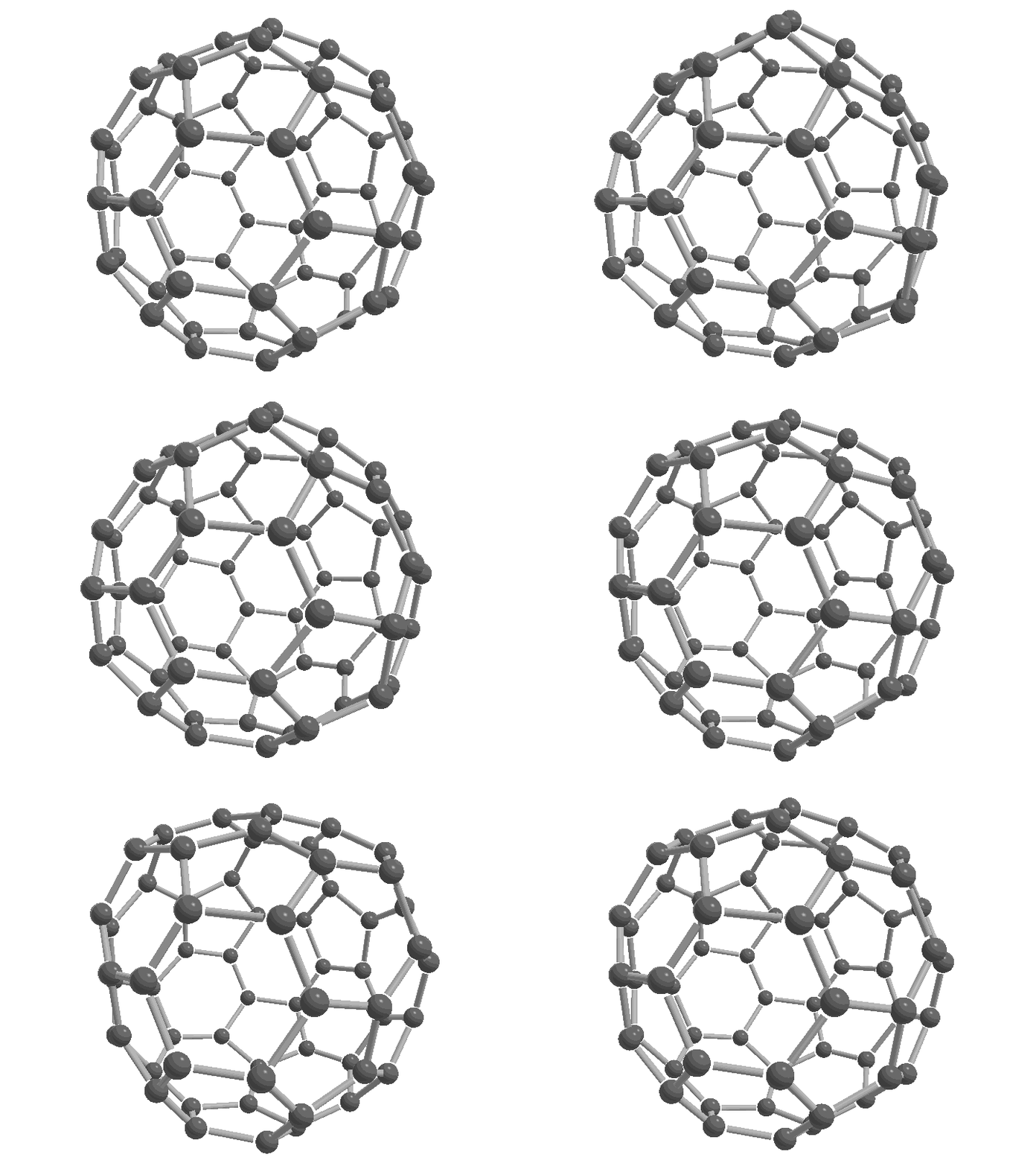
C₆₀ cage-squashing mode at 423 cm⁻¹, PM6 displacement amplified for visibility
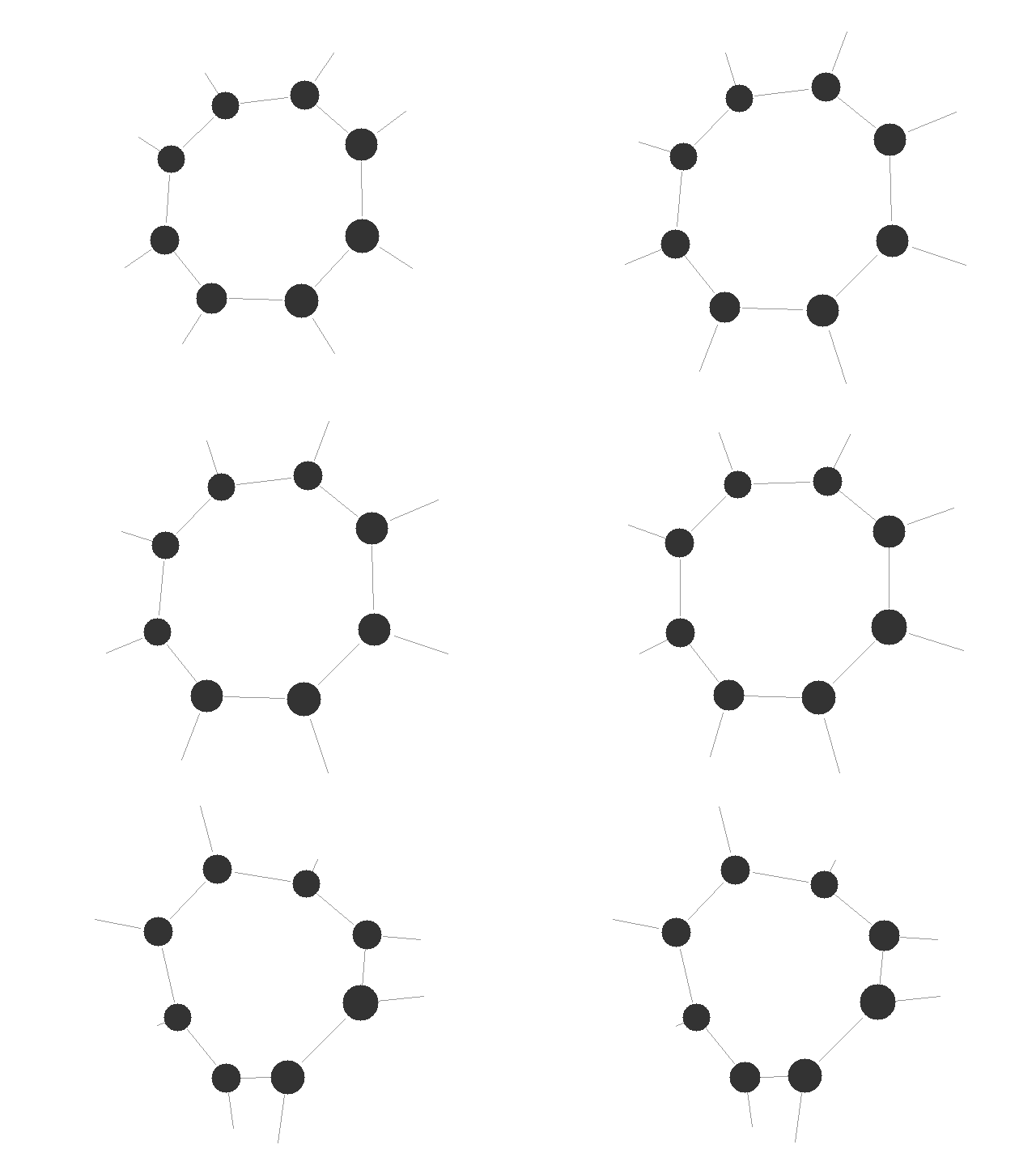
Cyclooctatetraene, PM6 optimization from a nearly planar ring to the tub conformer
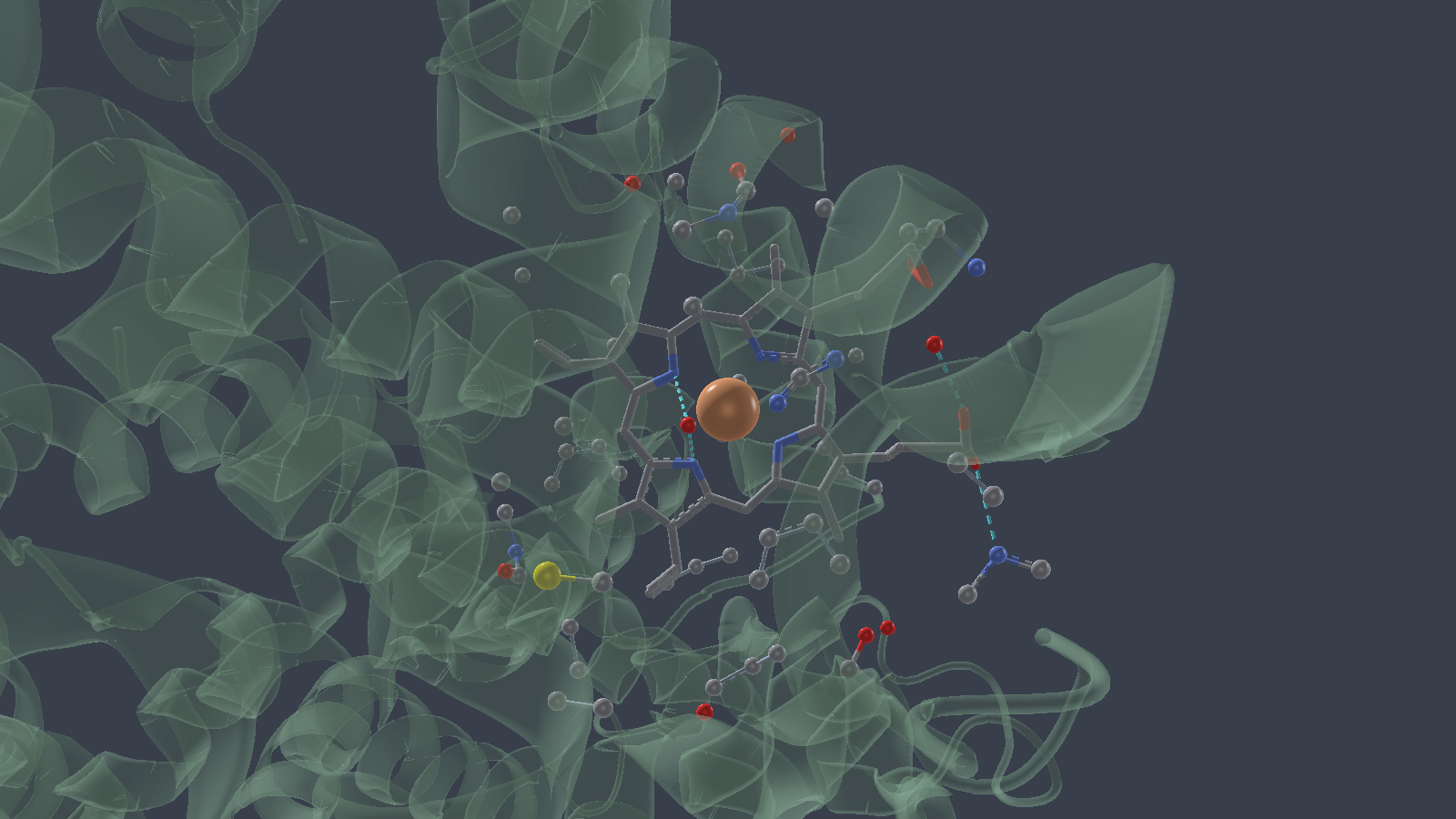
Haemoglobin (4HHB), the chain-A haem pocket: ribbon behind, haem in sticks, the iron as a sphere, polar contacts dashed
The two calculated animations are presentation examples rather than benchmark energetics. Both were run with Gaussian 16 at the PM6 level; the C₆₀ mode uses an amplified displacement so its motion remains legible at this size.
The haemoglobin card is a figure, not just a scene, and the whole of it — the groups, the ribbon opacity, the contacts and the camera it opens at — travels inside the .orbpack. Nothing about the look is in the page’s URL, so the same file opens the same way in the desktop, in a notebook and here. Cryo-EM density moved to the examples page, which still shows EMD-3001 at its header-derived contour.
More live examples show additional scenes. The web-embedding guide covers self-contained HTML, iframes, and the <orbitron-viewer> web component.
What Orbitron Reads
XYZ PDB mmCIF / CIF SDF / MOL GROMACS GRO / XTC VASP Gaussian ORCA NWChem Molpro Molcas DIRAC CP2K QMCPACK Quantum ESPRESSO Molden TREXIO CUBE / XSF MRC2014 / CCP4 NBO
From those files, Orbitron can extract structures, crystals, biomolecular identity and ensembles, MD trajectories, experimental density, charges, permanent dipoles, computed bond orders, molecular orbitals, multireference state contributions, vibrations, SCF histories, solvation provenance, periodic electronic structure, symmetry, and canonical identifiers such as InChI, InChIKey, SMILES, and molecular formula. For metal complexes it also reports each centre’s oxidation state, d-electron count, electron count, a trust grade for the state, and a sigma-only ligand-field picture.